Turn Claudeinto a creative engine
Connect Marionette to Claude, OpenClaw, Hermes, NemoClaw and generate cinematic images and videos right from your conversations.
Open Claude settings
Launch the app or open claude.ai and go to Settings → Connectors
Add a custom connector
Name it Marionette and paste the URL: https://mcp.marionette.example/mcp
Connect and sign in
Click Add → Connect, sign in with your Marionette account — you're all set, now just ask Claude to generate an image.
A complete creative studio inside Claude
Image generation, video creation, character training, and asset management in a single connection
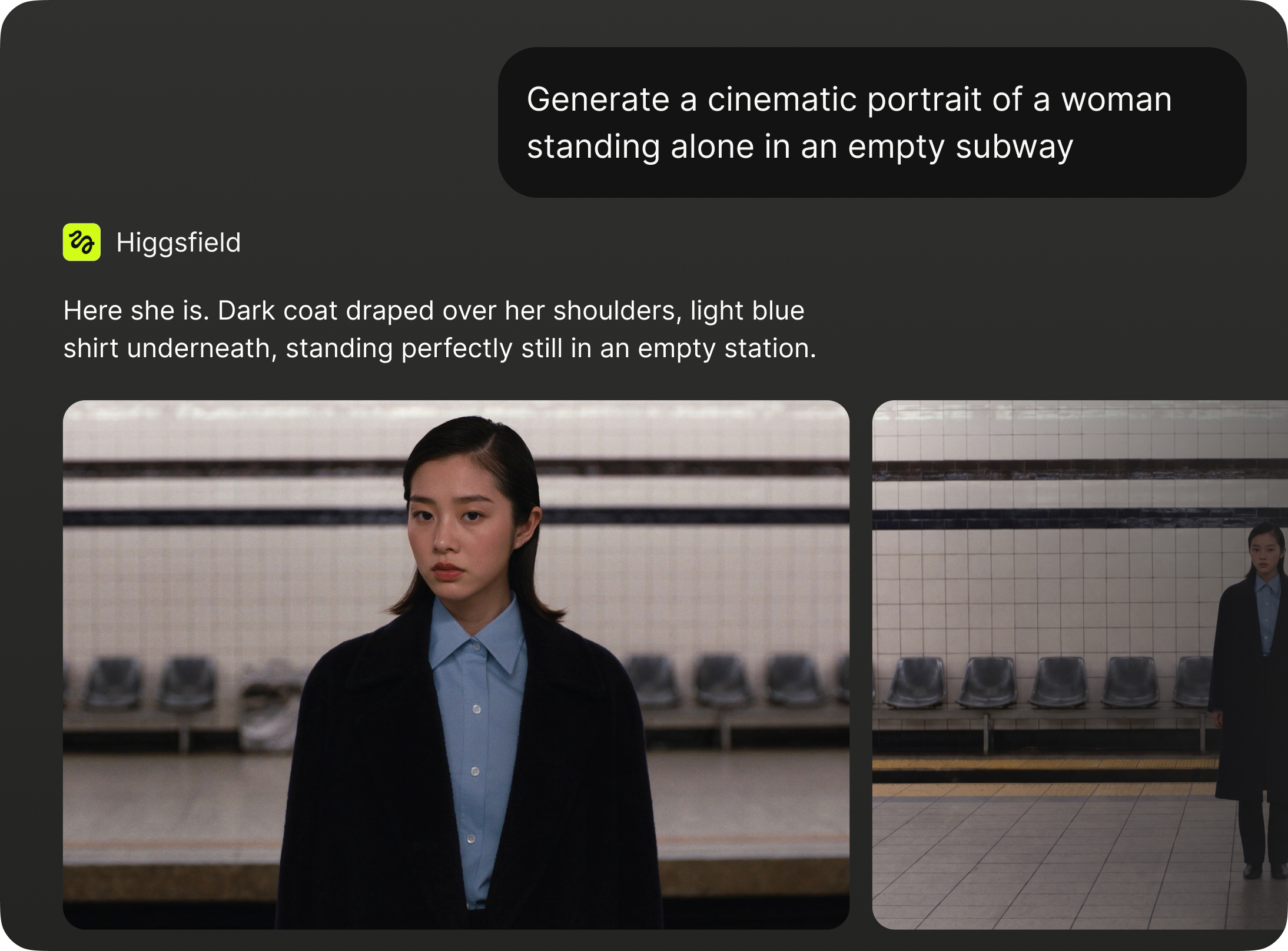
Image Generation
Generate cinematic stills from 16+ models including Soul, Nano Banana Pro, Flux, Seedream, and more. Choose your model, set the aspect ratio, and get up to 4K output in seconds
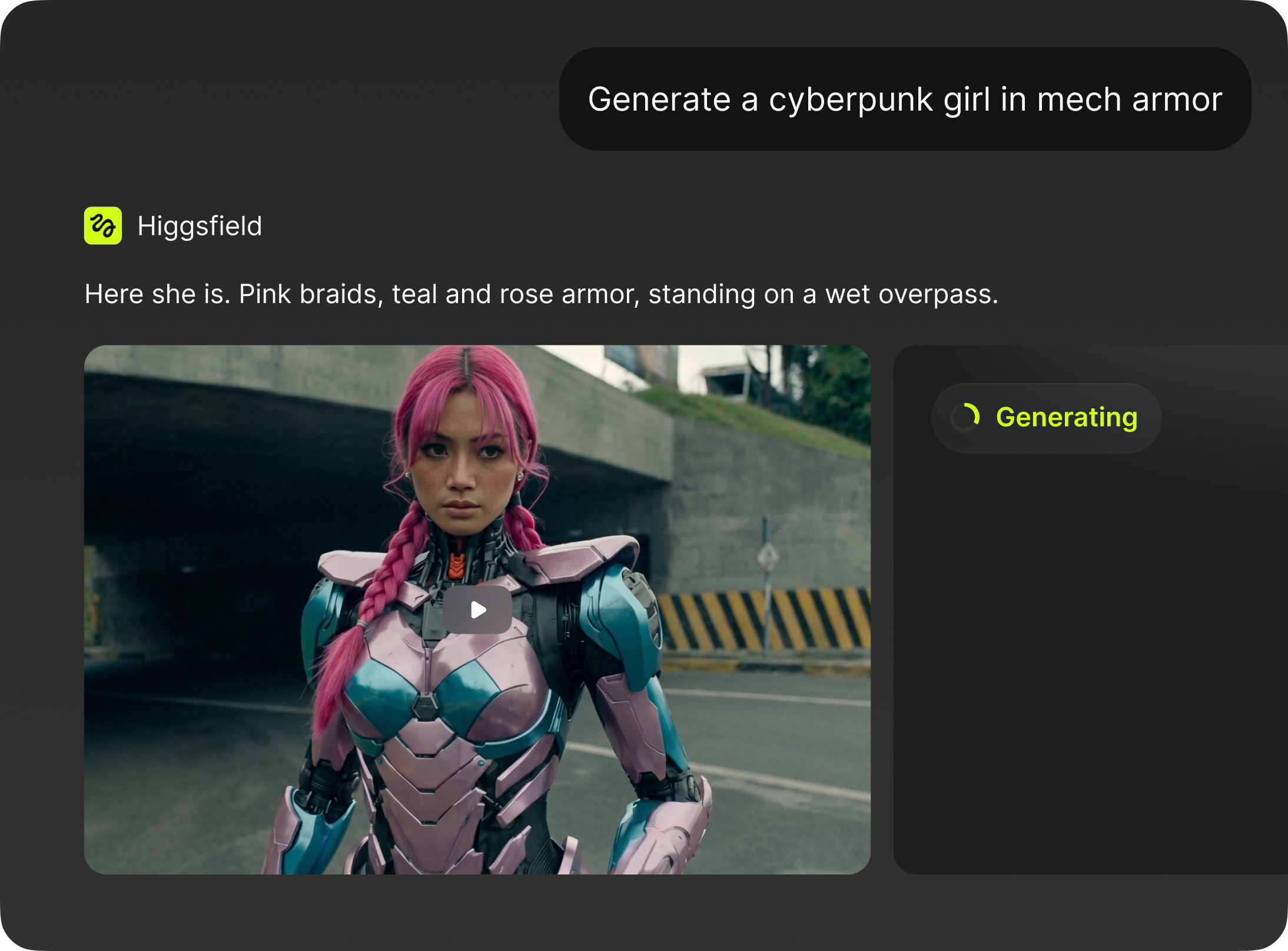
Video Generation
Create cinematic video from text or images using 17+ models like Seedance, Kling, Veo, Minimax Hailuo, and more. Control duration, aspect ratio, genre, and start/end frames
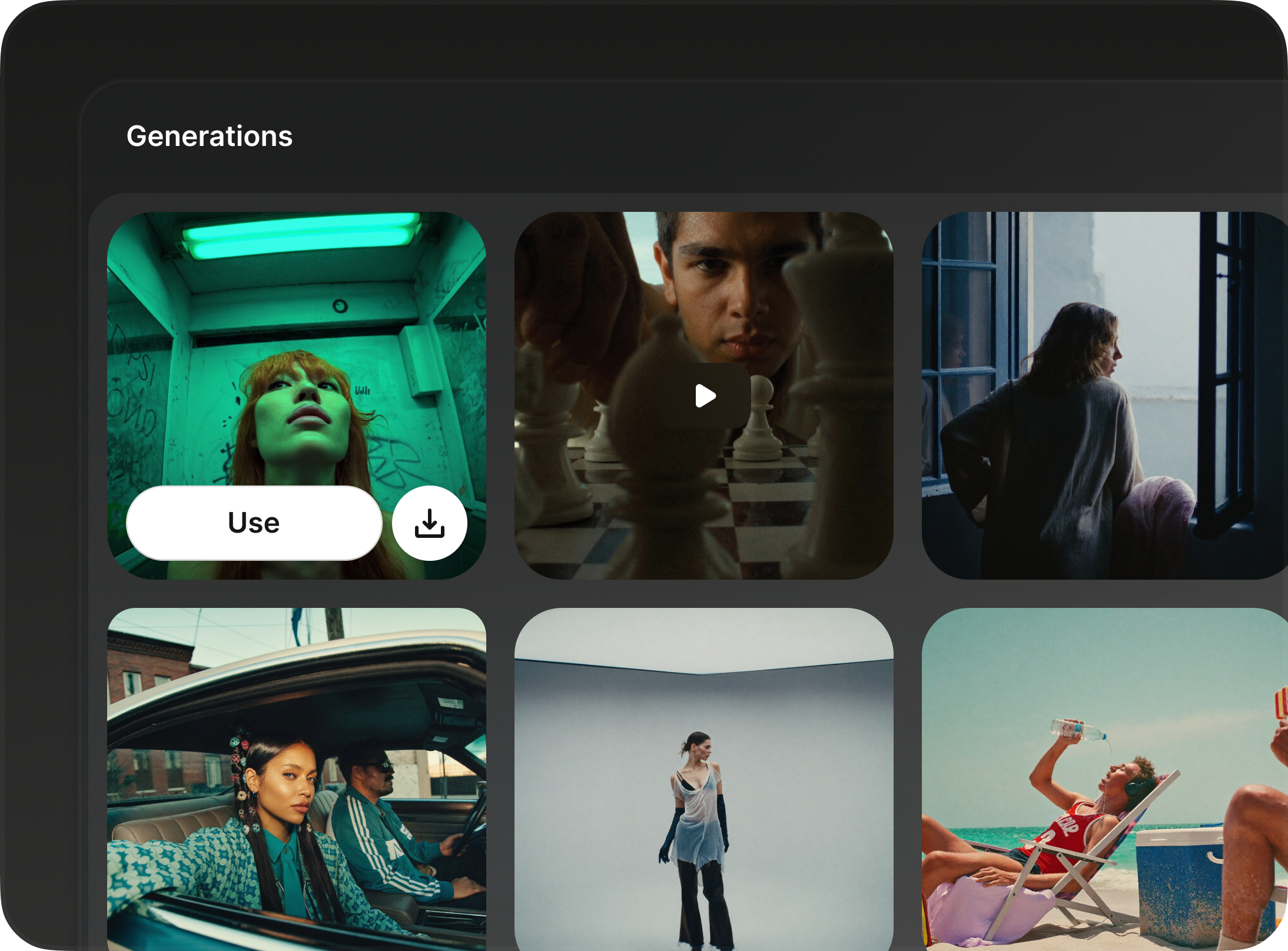
Browse Your Creations
Access your full generation history directly from Claude. Search past images and videos, display specific results, and use any previous output as a reference for new generations
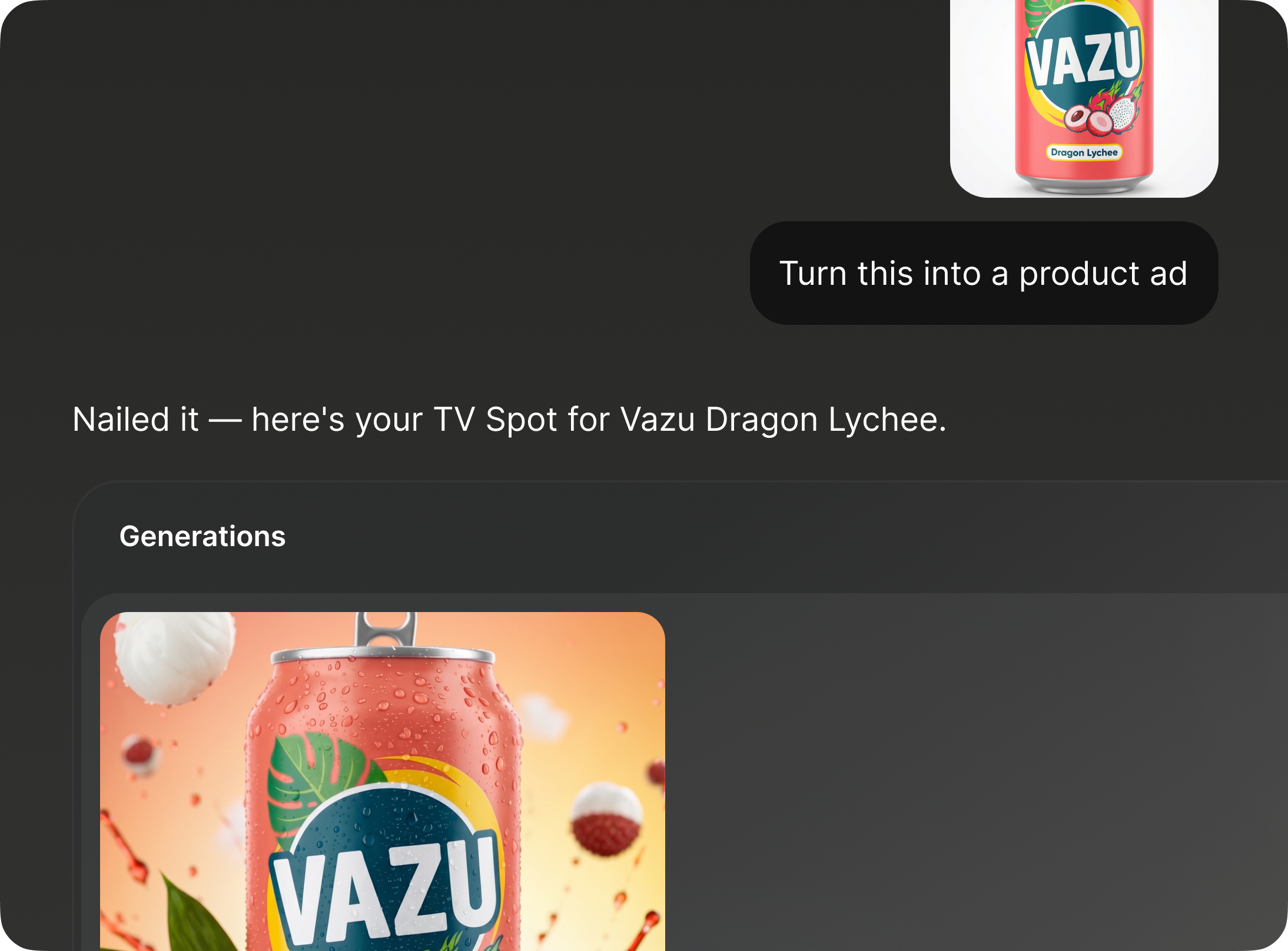
Product Ads & Videos, Instantly
Drop a URL or upload a photo — get campaign-ready images and videos back. One prompt, every format, any channel
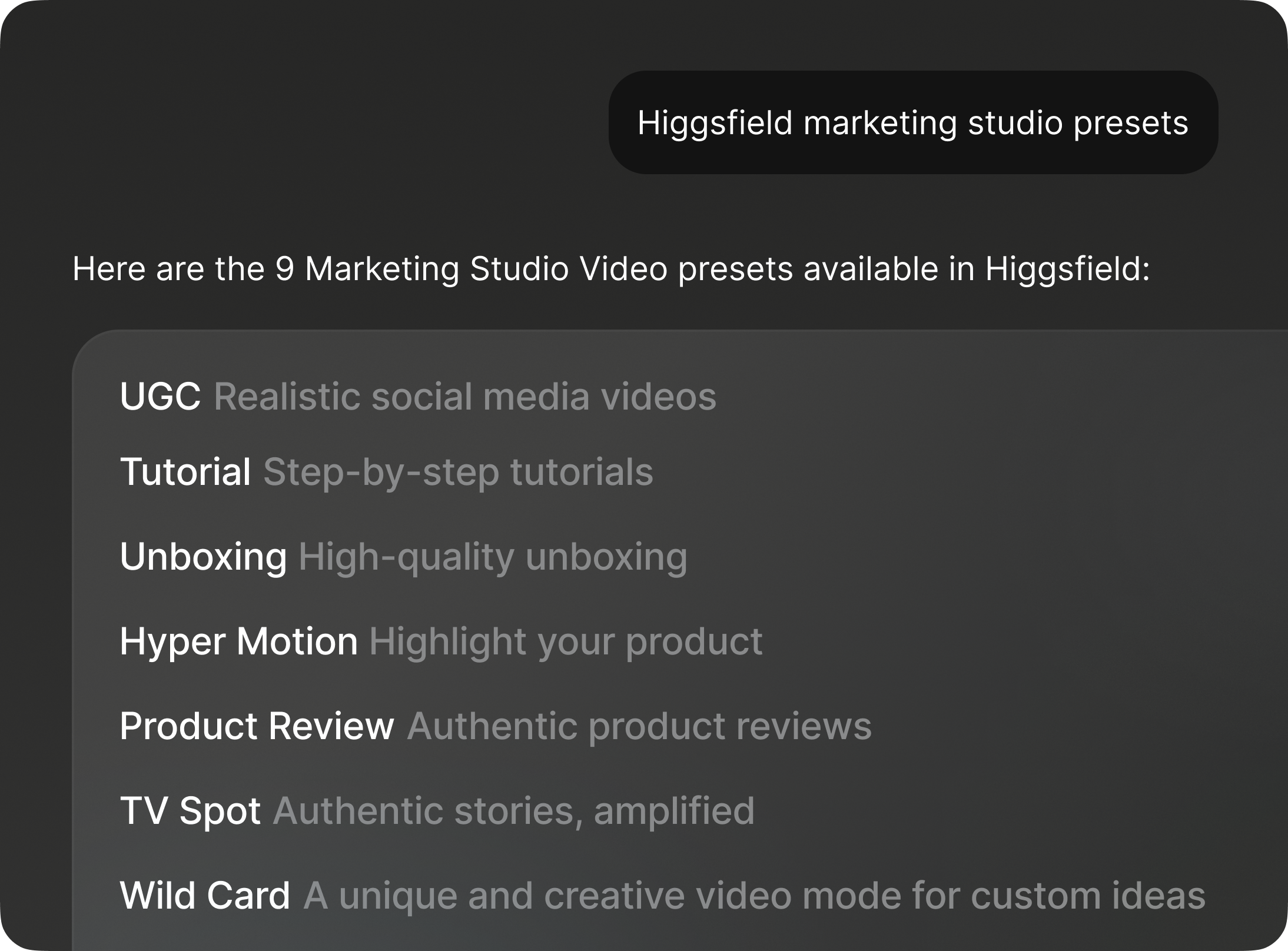
Pick a format, skip the setup
Query 9 curated video presets — UGC, unboxing, product review, hyper motion, TV spot, and more — and pass the right mode into generation automatically
From concept to content in one conversation
Tell Claude what you're working on. It picks the right models and delivers production-ready results
E-Commerce & Product
Generate lifestyle product shots, swap backgrounds, and create promotional videos without a photo studio. Describe your product and scene, and Claude delivers ready-to-publish visuals.
Social Media & Content Creation
Produce scroll-stopping images and short-form videos for Instagram, TikTok, and YouTube. Go from idea to post in a single conversation.
Marketing Agencies
Scale campaign visuals across formats, styles, and models in minutes. Generate dozens of variations, compare outputs, and deliver client-ready assets from one conversation.
Filmmaking
Storyboard scenes, generate concept art, previsualize shots, and produce cinematic video clips. Use Soul Characters to maintain cast consistency across every frame.
Infographics & Visual Data
Turn dry numbers into compelling visuals. Generate custom illustrations, icons, and supporting imagery that bring your data stories to life.
From idea to campaign in one conversation
Start small with a quick generation, or go deep with multi-model comparisons, character training, and full campaign workflows. Claude handles the complexity
Generate one asset in seconds
Describe what you need and Claude picks the best model, sets the parameters, and delivers the result. Images, videos, or both.
“Generate a cinematic wide shot of a neon-lit Tokyo alley at night”
Build a visual system from a conversation
Train a character, generate scenes across locations and styles, produce videos, and manage everything from your generation history.
“Train a Soul Character from these photos, then generate a 10-image lookbook”
Compare the best AI models side by side
Run the same prompt through Flux, Soul, Cinema Studio, and Seedream in one go. Pick the winner and iterate from there.
“Generate this scene on 4 different models and show me the results”
Got any questions left?
We’ve answered the most frequently asked questions
Marionette uses MCP (Model Context Protocol), an open standard that gives AI agents access to external tools. Once connected, your agent can generate images, create videos, train characters, and browse your creation history, all within a single session.
Your AI stack just leveled up
Connect Claude, OpenClaw, Hermes, or NemoClaw to Marionette in seconds. Videos, images, characters — on demand.
Get started